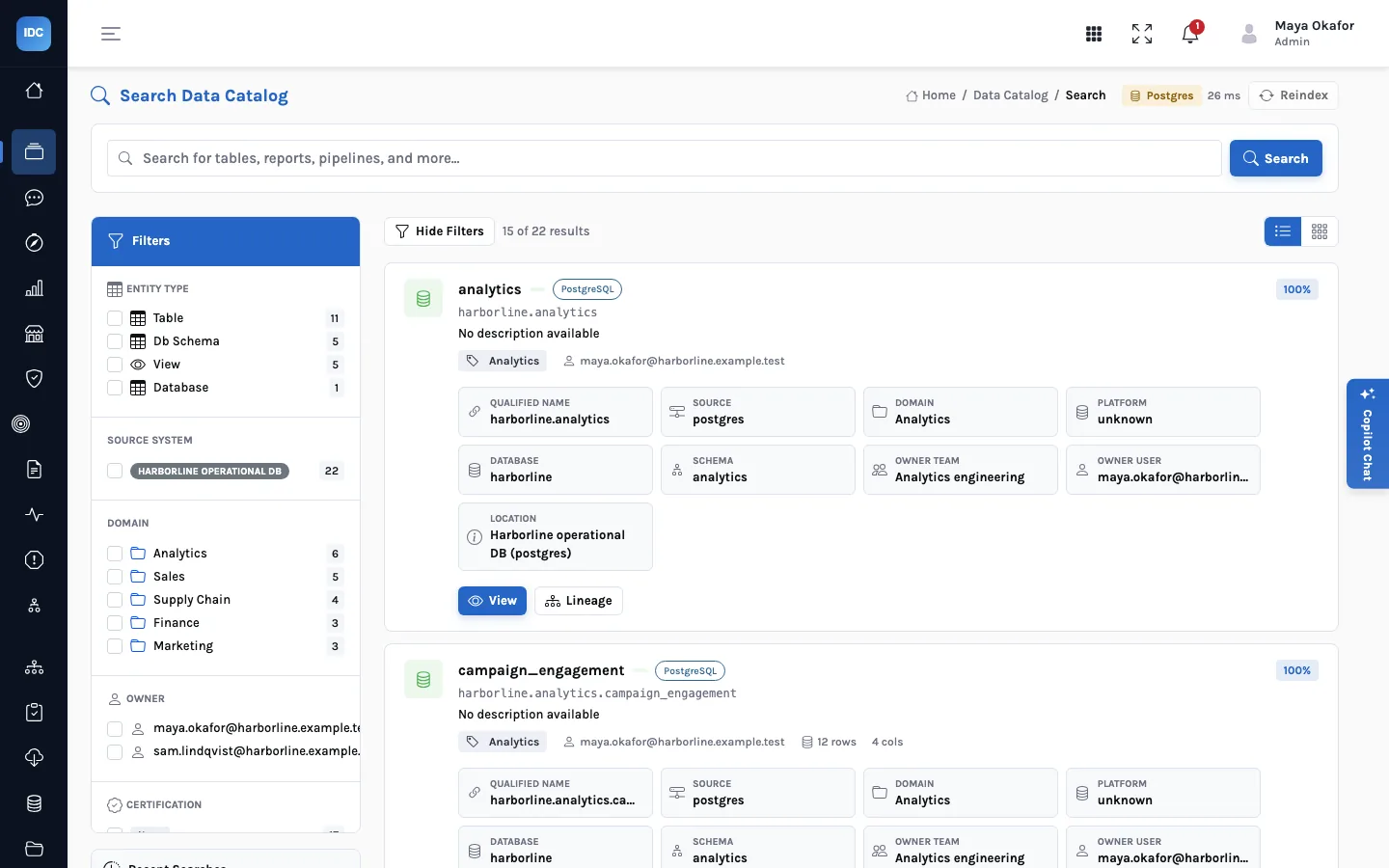
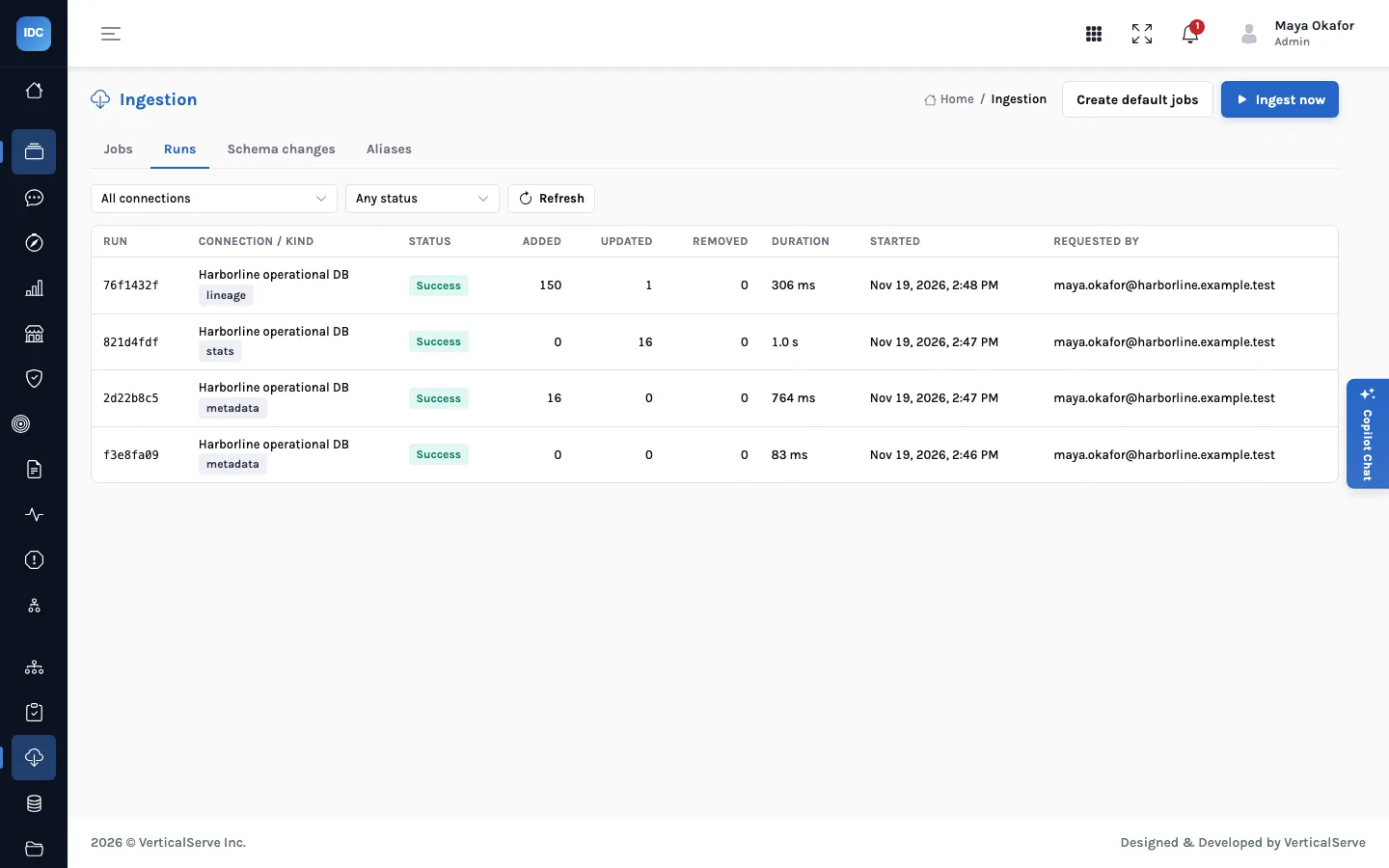
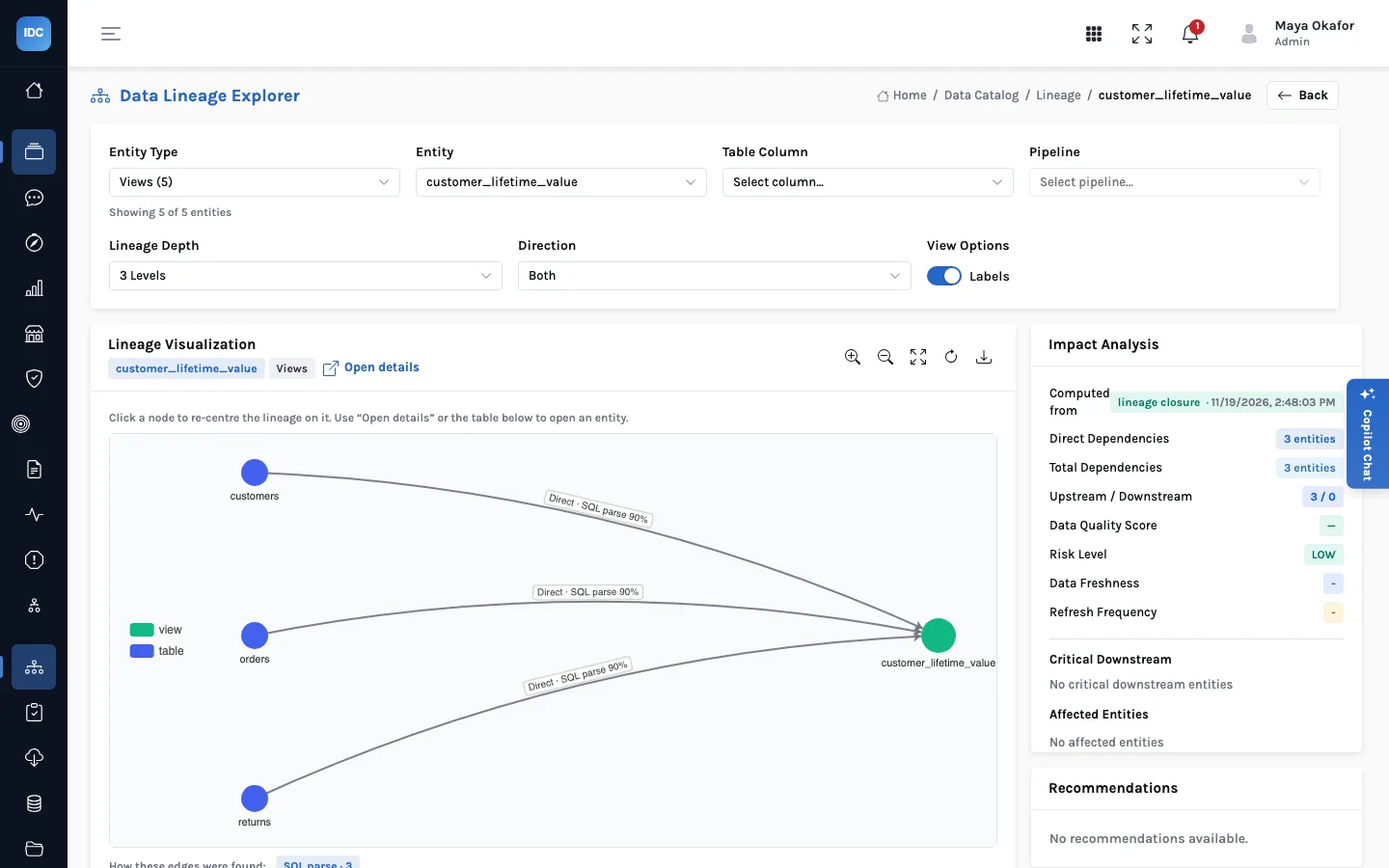
A data contract is a written promise from the team that produces a dataset to the teams that consume it: what the columns are, what values they may hold, how fresh the data will be, and who to call when it is not. Contracts fail in practice for a dull reason: writing the first one from scratch is tedious, so they never get written, and the ones that do drift from the real table. InsightDataCatalog starts from the opposite end. The catalog already knows the table, so it drafts the contract, and it checks the promise against the source on a schedule.
The standard: ODCS
Contracts are stored in the Open Data Contract Standard (ODCS, version 3.2.0 in the build we ran): a YAML or JSON document with the contract's name, version, domain and description, the servers it lives on, the schema (objects and their properties, types, keys and constraints), quality checks, and service levels. You can import an existing ODCS document, edit a contract in the form editor or as raw ODCS, and export it. Imports are linted against the standard.
Step 1: a draft from the profile
Draft from catalog entity builds a contract from what ingestion already harvested: every column with its physical and logical type, which columns are required, unique or part of the primary key, the server details from the connection, and the table's description as the contract's purpose. It also adds suggested quality checks from the profile, each marked as suggested: "had no nulls when profiled", "was distinct when profiled", and "within the profiled range (±10%)" for numeric columns. A steward then keeps, edits or removes them.
apiVersion: v3.2.0
kind: DataContract
name: Orders for the trading pack
version: 0.3.0
domain: Sales
servers:
  - server: Harborline operational DB
    type: postgres
    database: harborline
    schema: sales
schema:
  - name: orders
    physicalType: table
    properties:
      - name: order_id
        logicalType: integer
        required: true
        unique: true
        primaryKey: true
      - name: customer_id
        logicalType: integer
        customProperties:
          - {property: profile.range, value: {minimum: 1, maximum: 5000}}
      …
    quality:
      - type: sql
        description: Shipped orders carry a postcode
        query: SELECT COUNT(*) FROM ${table}
               WHERE status IN ('shipped','delivered') AND ship_postcode IS NULL
        mustBe: 0
An abridged contract for a made-up orders table, drafted from its profile and then edited.
Step 2: review, version, approve
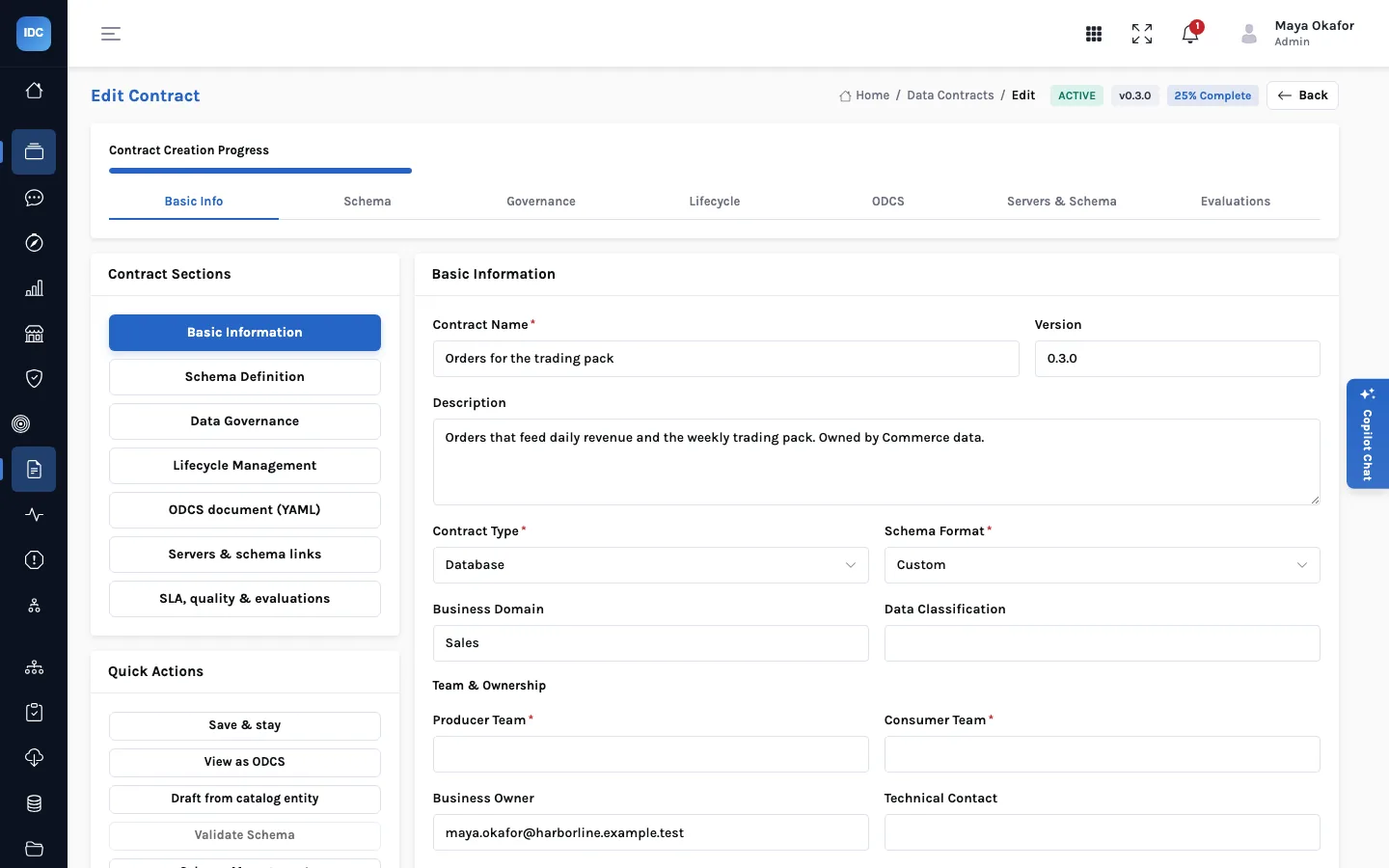
Contracts move through draft, active and archived states, with versions recorded on every import or edit. Transitions can be gated: a change that needs approval creates an approval request instead of applying (administrators apply directly), and the Approvals queue shows what is waiting. The editor is organised as basic information, schema, governance (owners, producer and consumer teams, classification), lifecycle, the ODCS document itself, servers and schema links, and evaluations.
Who may approve what
The gated transitions are the ones that change what consumers can rely on: making a draft or proposed contract active, deprecating an active one, and retiring or archiving it. Anyone may request them. A steward, curator or administrator decides, and nobody can approve their own request. The contract's status, compliance score and violation count are owned by the evaluator and cannot be set through an edit, so the gate cannot be side-stepped by changing a field.
Versions that say whether they break consumers
Every import or edit snapshots a new version with the full ODCS document and a changelog. The change is classified using the same compatibility levels schema registries use (full, backward, forward, or incompatible), so a removed column or a narrowed type shows up as a breaking change before it is approved, not after a consumer's job fails.
Step 3: evaluated every half hour
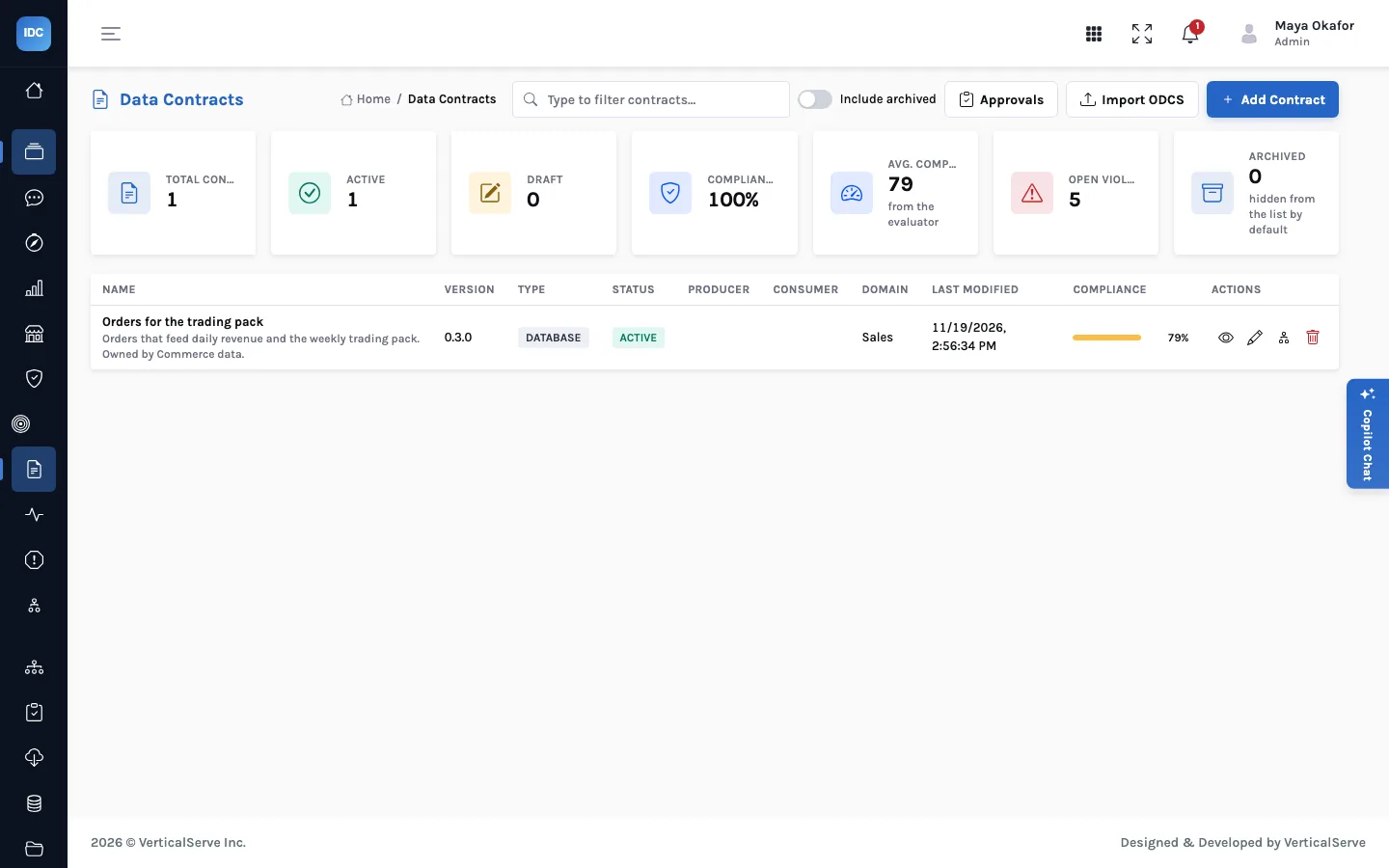
An active contract is evaluated by a scheduler every 30 minutes, and on demand. Every check is a read-only query through the connection. One evaluation covers whether the server is reachable, the schema, the row count, freshness against the SLA, completeness and uniqueness, each SQL check in the contract, whether every contract property still exists in the catalog's copy of the schema (missing, retyped or extra columns), and any Data Quality Studio rules linked to the same table. The result is an overall score, the count of passed, warned, failed and skipped checks, and violations opened or closed since the last run.
Where violations go
Violations show on the contract, on the Monitoring page (SLA compliance, open violations, schema validations, resolution time) and on Operations, which lists what broke recently and, through lineage, which downstream assets it affects. That is the difference between a contract and a document: the consumer of the trading pack finds out from the catalog, not from a wrong number.
Who gets told
A contract's consumers are the teams recorded on it, by hand or from a schema registry, plus what lineage says reads the contract's table downstream and the subscribers of any data product built on it. When an evaluation opens new violations, the consumers and product subscribers get a notification in the catalog, the row the topbar bell reads, and a messaging-service hook can send it on by email. A server that has no linked connection is recorded as a skipped check: it neither fails the contract nor counts toward its score.
Schema registries
For streaming contracts, the catalog works with Confluent and Apicurio registries: it can push the contract's schema as Avro, JSON Schema or Protobuf, pull the registry's latest schema into a new contract version, or check the two for drift without writing anything. Other registry types, AWS Glue among them, are not supported, and the product says so rather than failing quietly.
Getting the first contracts in place
- Pick the three tables whose breakage costs the most: usually the ones feeding a board pack or a regulatory report.
- Draft each from the catalog entity. Delete suggested checks that describe an accident of today's data rather than a promise.
- Add the checks consumers actually rely on, as SQL, and a freshness SLA.
- Name the producer and consumer teams, then make the contract active (through approval if your policy gates it).
- Watch the first week of evaluations before you wire violations into anyone's on-call.
Questions producers and consumers ask
Can a contract be checked more or less often than every 30 minutes?
Yes. The 30-minute cycle is the default; a contract can carry its own interval or cron, and any contract can be evaluated on demand.
We already write ODCS by hand. Do we have to use the editor?
No. Import the YAML, which is linted against the standard, and edit it as raw ODCS if you prefer. Links to catalog connections and columns are filled where the catalog can resolve them.
Next: use case: finding personal data before an auditor does.