A catalog is only as useful as it is current. If the table you found last month has since been renamed, or a column has changed type, the catalog has to know before the people relying on it do. In InsightDataCatalog that is the job of ingestion: scheduled, recorded runs that read each connection and keep the catalog in step with the source.
Connections, jobs and runs
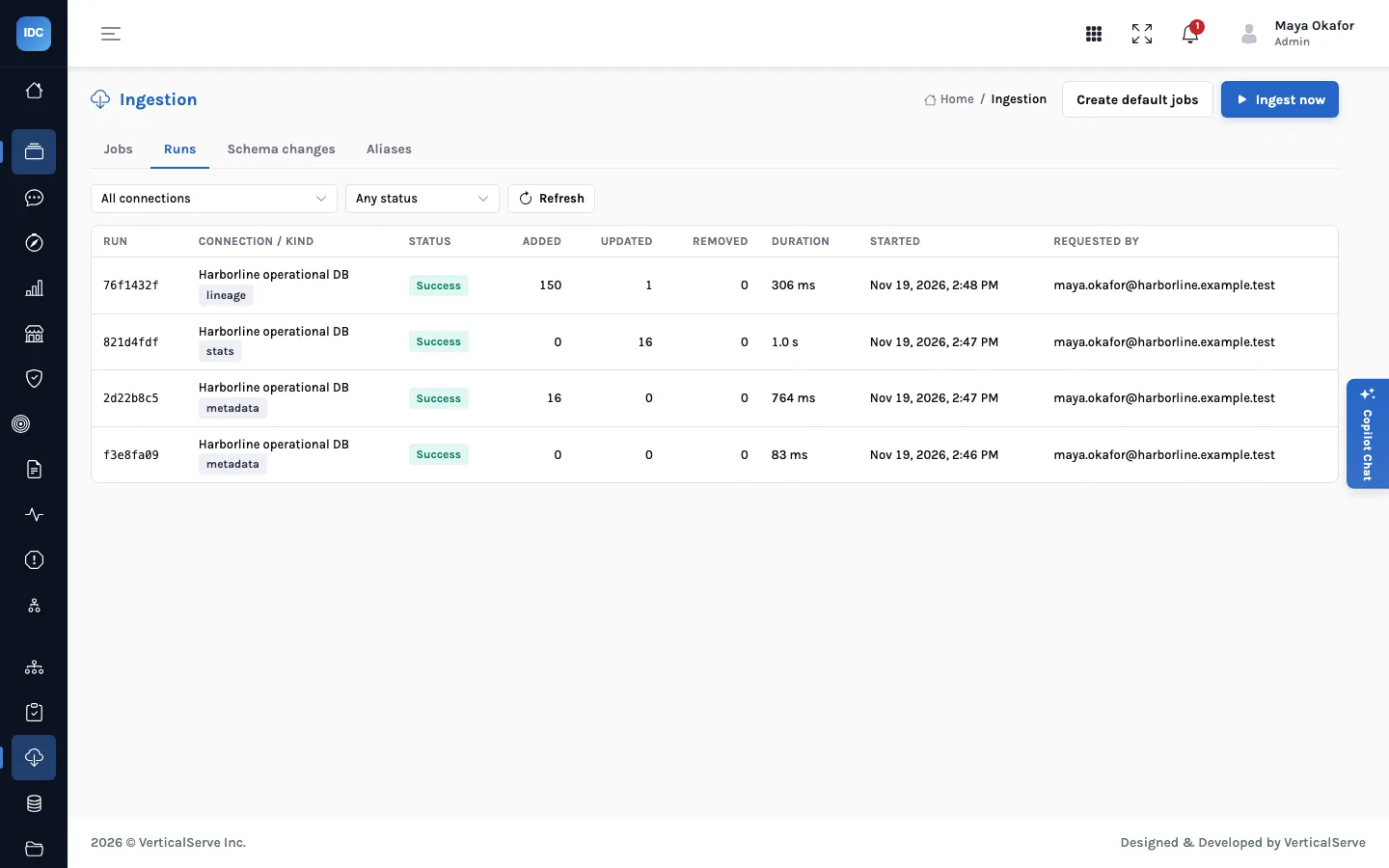
A connection is a registered source and the adapter that talks to it. Adapters declare their verbs (test, browse, schema, preview, SQL, describe), and ingestion only ever uses the read verbs. Each connection can have ingestion jobs, at most one per kind, each with its own cron schedule and optional include and exclude globs. Create default jobs adds two of them (metadata daily at 02:00 UTC and stats weekly on Sunday at 04:00 UTC); lineage, usage and docs jobs are ones you add yourself where you want them. Every time a job fires (on schedule, or when someone presses Ingest now) it creates a run, and the run records its status, how long it took, what it added, updated and removed, and who asked for it.
Runs are queued and picked up by a worker process on its next tick. A small deployment can instead let the API run them in the background itself. Either way you can follow a run's events live.
The five kinds of job
1. Metadata
The metadata job walks the source through its adapter, schema by schema and table by table, and hands each asset to an
upserter that writes the catalog entity, its columns and its details (DDL, owner, size). Include and exclude globs match the
asset's path (schema.table for databases, the DAG id for Airflow, the workbook path for Tableau) case-insensitively,
and a container is only entered when some include glob could match beneath it, so a scan of sales.* never walks
the rest of the warehouse. An entity that disappears from the source is marked deprecated rather than deleted, so its history
and lineage survive.
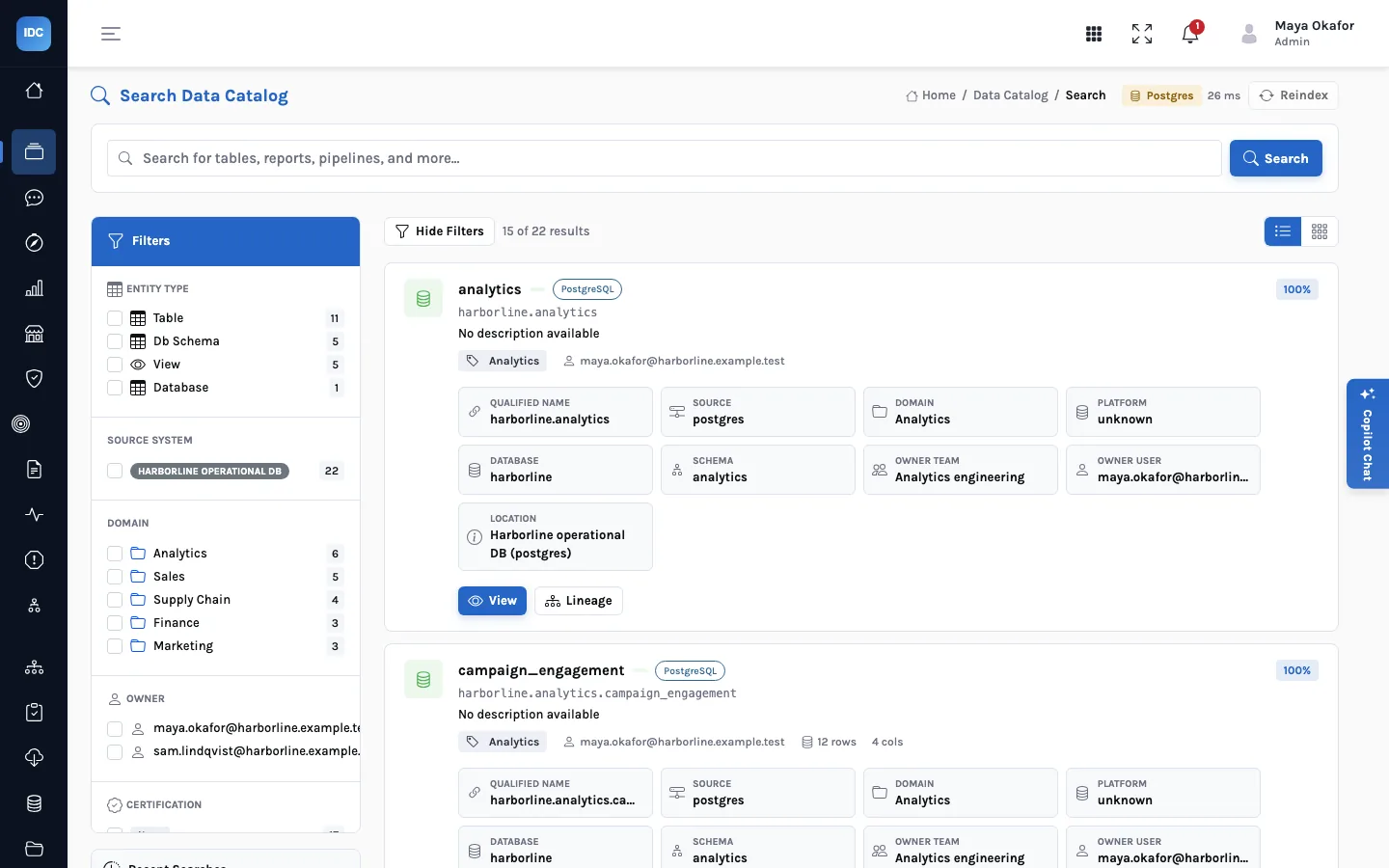
information_schema.* and pg_catalog.* excluded, catalogued 16 tables and views. Globs are the cheapest way to keep a catalog clean.2. Stats (profiling)
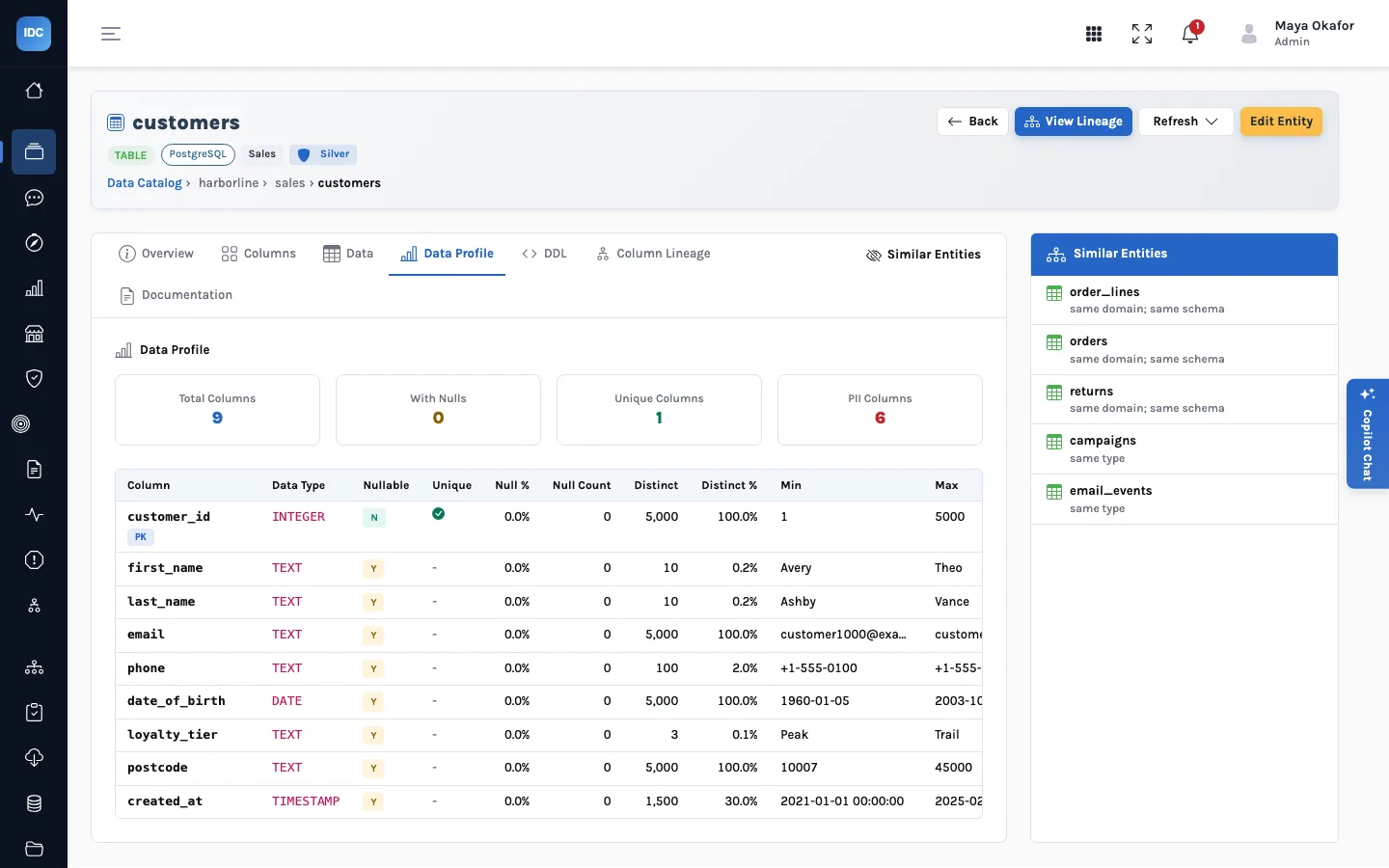
The stats job profiles columns through the connector's own query path, so the connection's SQL guard and credentials apply. It is designed to stay cheap: at most two scans per table, whatever the column count. The first counts rows and, per column, non-null values, approximate distinct values and the minimum and maximum; the second collects the most common values of low-cardinality text, boolean and date columns. Results carry a refresh time and a TTL, so re-runs only profile what is stale. The same pass runs the personal-data heuristics (column name plus the shape of the values), which is how a column gets its PII badge. See finding personal data.
3. Lineage
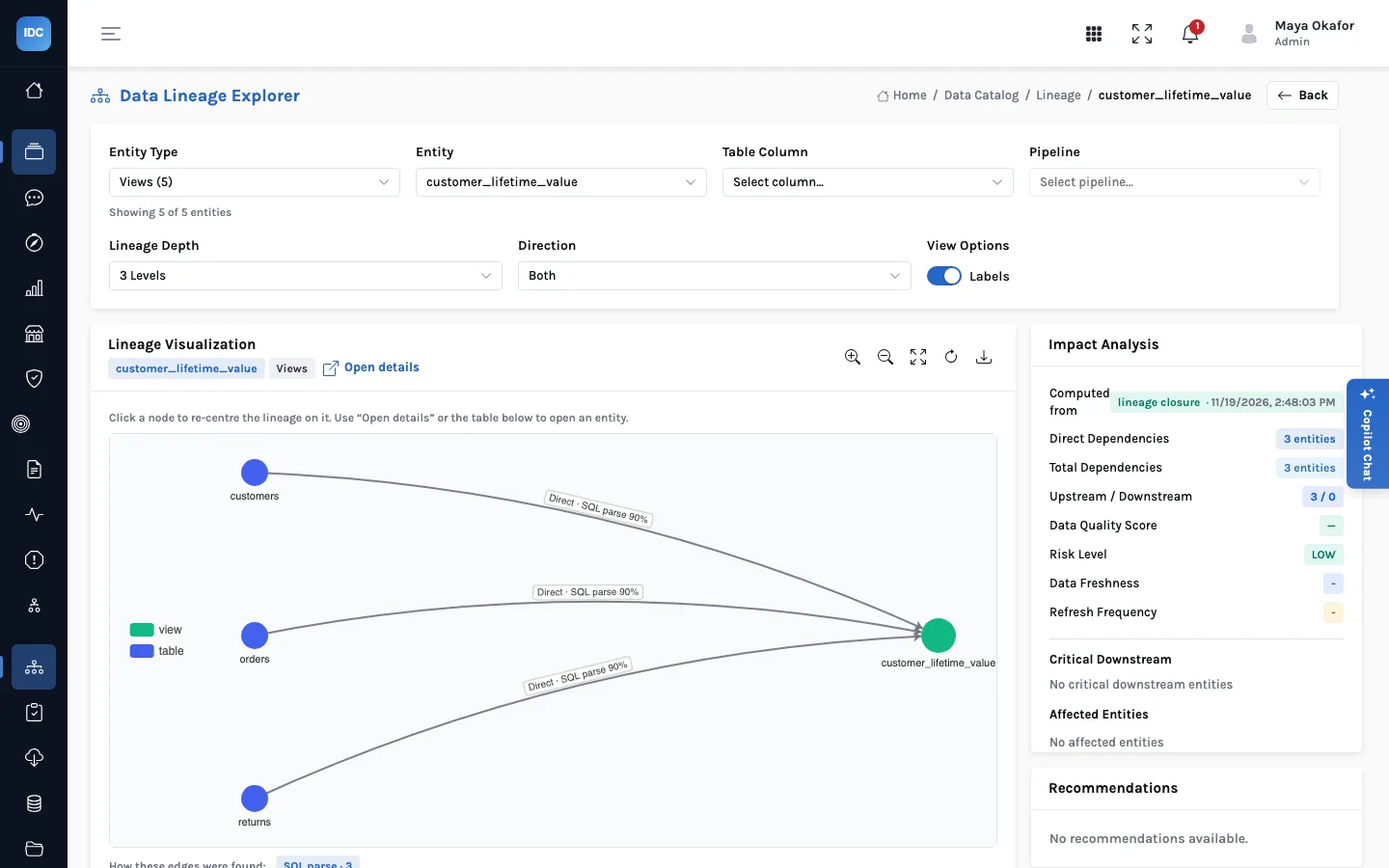
The lineage job parses what each source can tell us about data flow: view definitions and stored procedures through a SQL parser, BI data-source queries, Airflow DAG metadata, dbt projects in a connected GitHub repository, and platform lineage where it exists (Unity Catalog system tables, and Redshift query logs when enabled). On the example source, five views produced table and column edges in one run. More in lineage you can trust.
4. Usage and 5. Docs
Usage reads query history where the source exposes it and turns it into popularity, so search can rank the tables people actually use. Docs is a plug-in stage for documentation harvesters; until one is configured for a source, documentation is written on the entity's Documentation tab.
Staying in step
- Schema changes are recorded between scans, so "this column changed type on Tuesday" is a lookup.
- Aliases map a data-system name that appears in other metadata (for example a database named inside a BI data source or a DAG) to the connection that reads it, so lineage lands on the right catalog entity.
- The search index is updated through an outbox after each run, so a newly catalogued table is findable as soon as the run finishes.
What a run will and will not change
Ingestion is the only writer of harvested metadata, and it follows a few rules that matter once people start curating:
- Curated text is never overwritten. A table or column comment from the source fills an empty description; a description someone has written stays as it is.
- No placeholders. Descriptions come only from the source's own comments, never from generated text, and an owner is recorded from ingestion only when the source names a real one.
- A scoped run only judges its scope. A run with include globs marks as deprecated only the unseen entities inside
those globs, so scanning
sales.*does not deprecate the rest of the warehouse. - Deprecation is reversible. An entity that reappears in the source becomes active again, with its history intact.
- Every diff is recorded: description, owner, lifecycle and identifier changes as entity changes, and column-level changes as schema changes that the contract evaluator also reads.
Running it in production
Scheduled work is done by a separate worker process. Every 30 seconds it enqueues the jobs whose cron is due and executes queued runs, two per tick by default. Each tick takes a database lock and each run leases its job, so a second worker, or an API replica left in in-process mode by mistake, never runs the same job twice at the same moment. A run can be cancelled, and its progress can be followed as a live event stream.
The defaults are deliberately conservative: metadata daily at 02:00 UTC and stats weekly on Sunday at 04:00 UTC, with a cap on the number of assets one metadata run will take on. Usage harvesting is switched on per deployment. A run that reaches a stage with no handler configured fails with a clear error rather than reporting success.
Adding a second schema without surprises
Harborline's fictional data engineer, Tomas, wants the finance schema catalogued next to sales. He adds finance.* to the metadata job's include globs and presses Ingest now. The run's counters show the finance tables added and nothing removed. The stats job's TTL means only the new tables are profiled on Sunday. On Monday, the schema-changes list for finance.payments shows a column that changed type on Friday, and he tells the report owner before anyone sees a broken number. An illustration on made-up data.
Questions engineers ask
Does profiling put load on the source?
Some, by design bounded: two scans per table at most, through the read-only account, and only for tables whose profile is older than the TTL. Schedule stats outside the source's busiest hours.
Can I see what changed between two scans?
Yes. Schema changes can be listed per entity and since a date, and each run records what it added, updated and removed.
A sensible first setup
- Register the connection with a read-only account, and test it.
- Create the default jobs, then set include and exclude globs before the first run.
- Run metadata, check the entity count against what you expect, then run stats and lineage.
- Set schedules: metadata daily, stats weekly (the TTL keeps it incremental), lineage after the metadata run.
- Assign owners, domains and certification to the entities people will search for first.
Next: lineage you can trust.