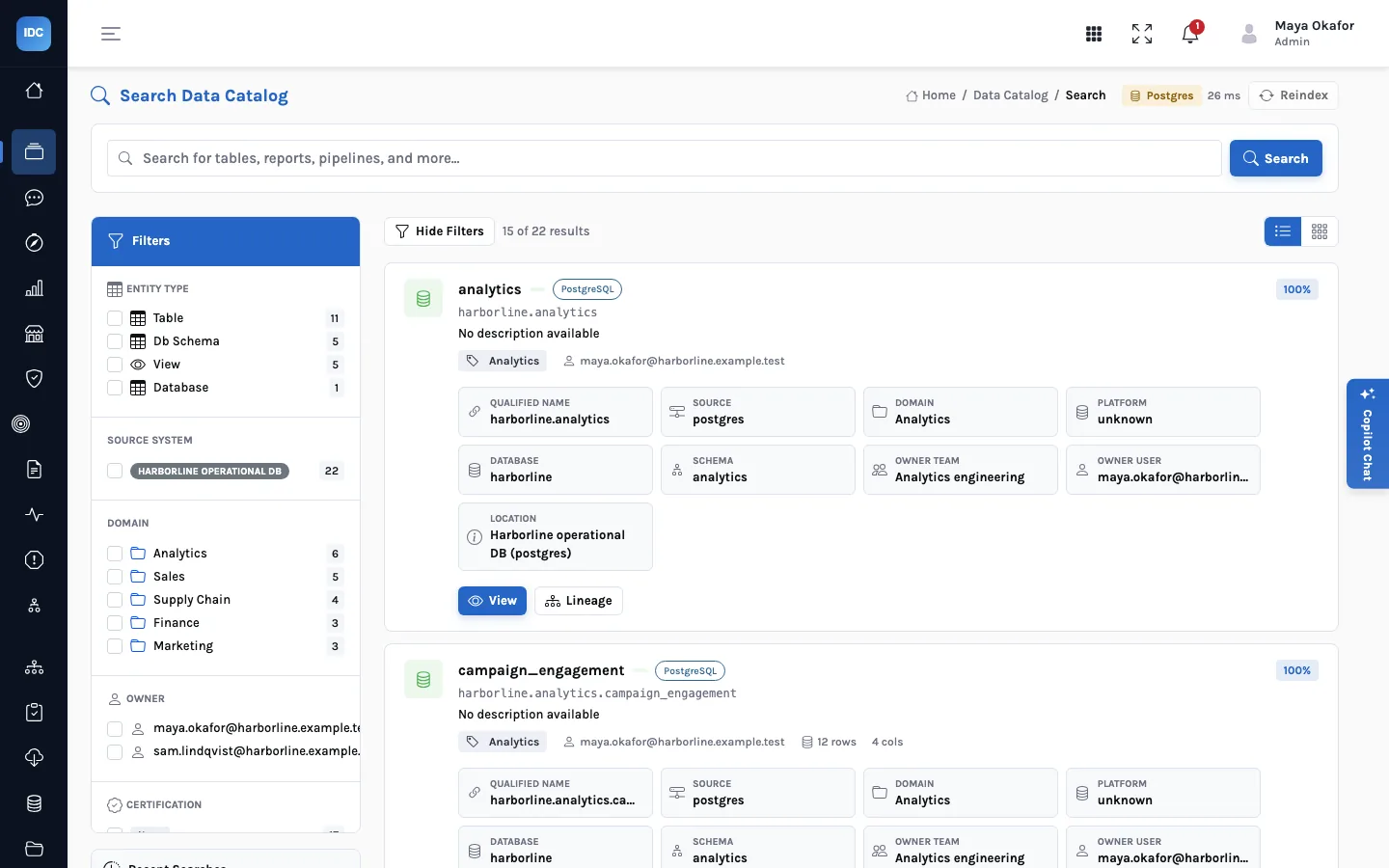
Most data quality programmes start with enthusiasm and a long list of checks, and end six months later with most of them switched off because they were noisy, slow or owned by nobody. The checks that survive share three properties: they are cheap to write, they run where the data is, and a failure lands on someone who can fix it. InsightDataCatalog's Data Quality Studio is built around those three.
Harborline's analytics engineers and the weekly trading pack
Rowan leads analytics engineering at the fictional Harborline Outfitters. Every Monday the trading pack reports revenue by channel and stock cover by warehouse. Twice this quarter a number was wrong and was found by the finance director, not by the team. Rowan wants a small set of rules on the tables the pack depends on, owned by the people who load them.
Writing a rule
A rule targets a catalog entity (and optionally one column) and has a type: completeness, accuracy, consistency, validity, uniqueness, timeliness, integrity or custom. The definition is either a template or SQL:
- Templates cover the usual checks: not null, unique, within a range, matches a pattern, accepted values, fresh (the latest timestamp) and a row-count floor. The studio generates the check query in the source's dialect.
- Custom SQL returns the total and failed record counts, with
${table}and${column}substituted, for anything a template cannot express (cross-column rules, joins to reference data).
Each rule carries a severity, a threshold (a minimum pass rate, and optionally a warning band), a cron schedule and tags. Rule-set templates such as "completeness basics" add a group of rules at once.
Where it runs
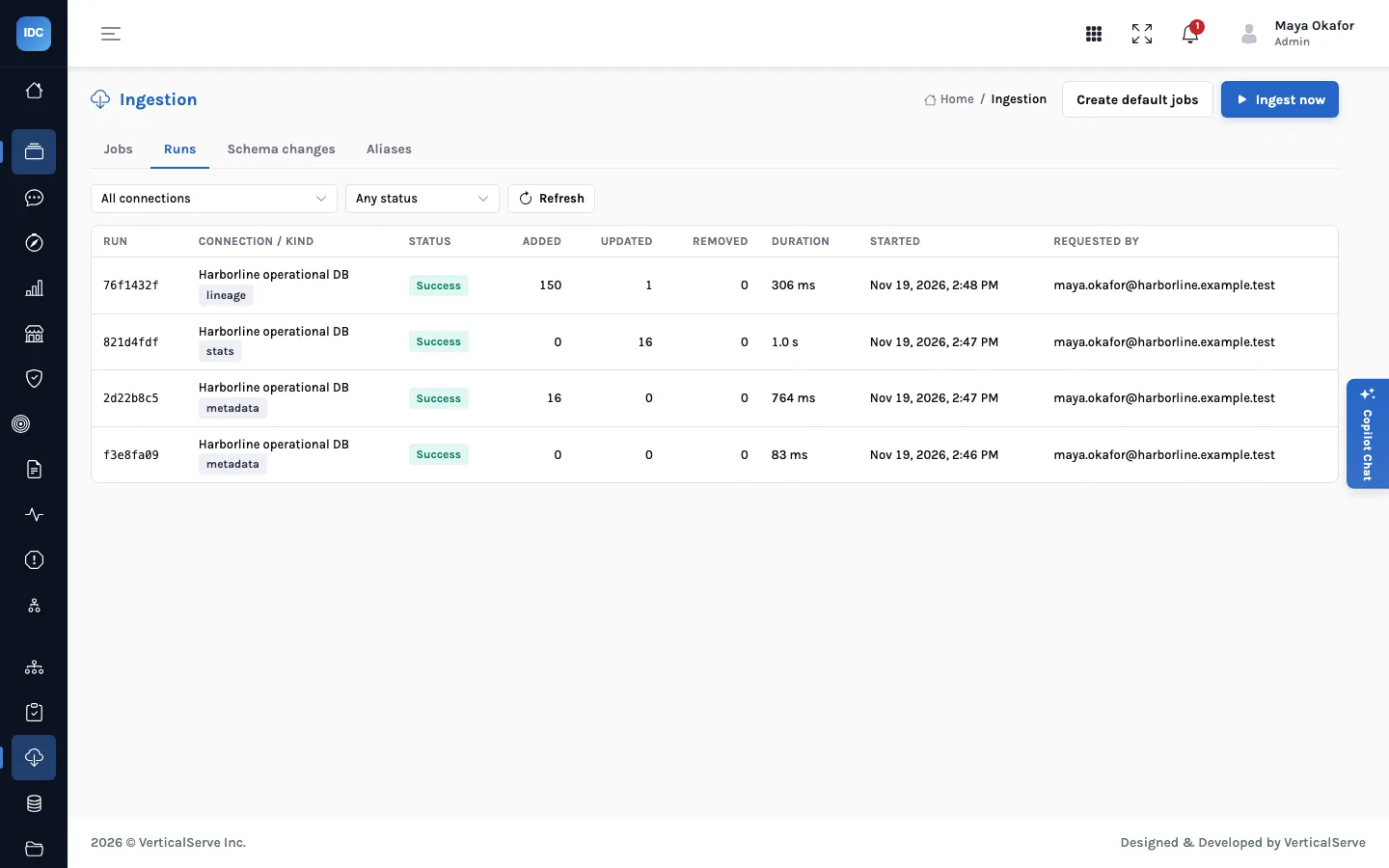
The check query runs on the source, read-only, through the entity's connection (or a connection the rule names), not on a copy. That keeps the result honest (it is today's table, not last night's extract) and means the check uses the connection's own credentials and SQL guard. Executions are recorded with who or what triggered them, the pass rate and the failed-record count.
Pass, warn, fail, and what each does
Each execution compares the pass rate with the rule's thresholds. At or above the minimum pass rate, the execution succeeds. Below it but at or above an optional warning rate, it is a warning; below both, it fails. Both a warning and a failure open an alert with the rule's severity, the pass rate against the threshold and the number of failing records. A rule that cannot run at all (a missing column, a permission error) fails with an execution failure alert that carries the error and the SQL it tried, so a broken check is never mistaken for clean data.
Each entity's quality score is the mean of the latest scores of its active rules, and it is the score the entity carries. The studio also tracks the average score by day and lists the rules that fail or warn most often, which is the quickest way to find a rule that is either catching a real recurring problem or is badly tuned.
Starting from the library
The built-in library has four rule sets and a custom SQL starter, each with a suggested threshold and schedule:
| Template | What it adds | Suggested schedule |
|---|---|---|
| Completeness basics | Not null on key columns (99.5%) and a row-count floor | Daily, 06:00 |
| Unique keys | No duplicates on primary or business keys (100%) | Daily, 06:00 |
| Value ranges | Numeric columns within business bounds (99%) | Daily, 06:00 |
| Daily freshness | The newest row is less than a day old | Every six hours |
| Custom SQL check | A SELECT returning total and failed records, or just the failing count | Your choice |
There is also a rule builder that turns simple conditions (equals, greater than, between, in a list, is null and so on) into the check SQL for the entity's dialect, for people who would rather not write it.
Harborline's first seven rules
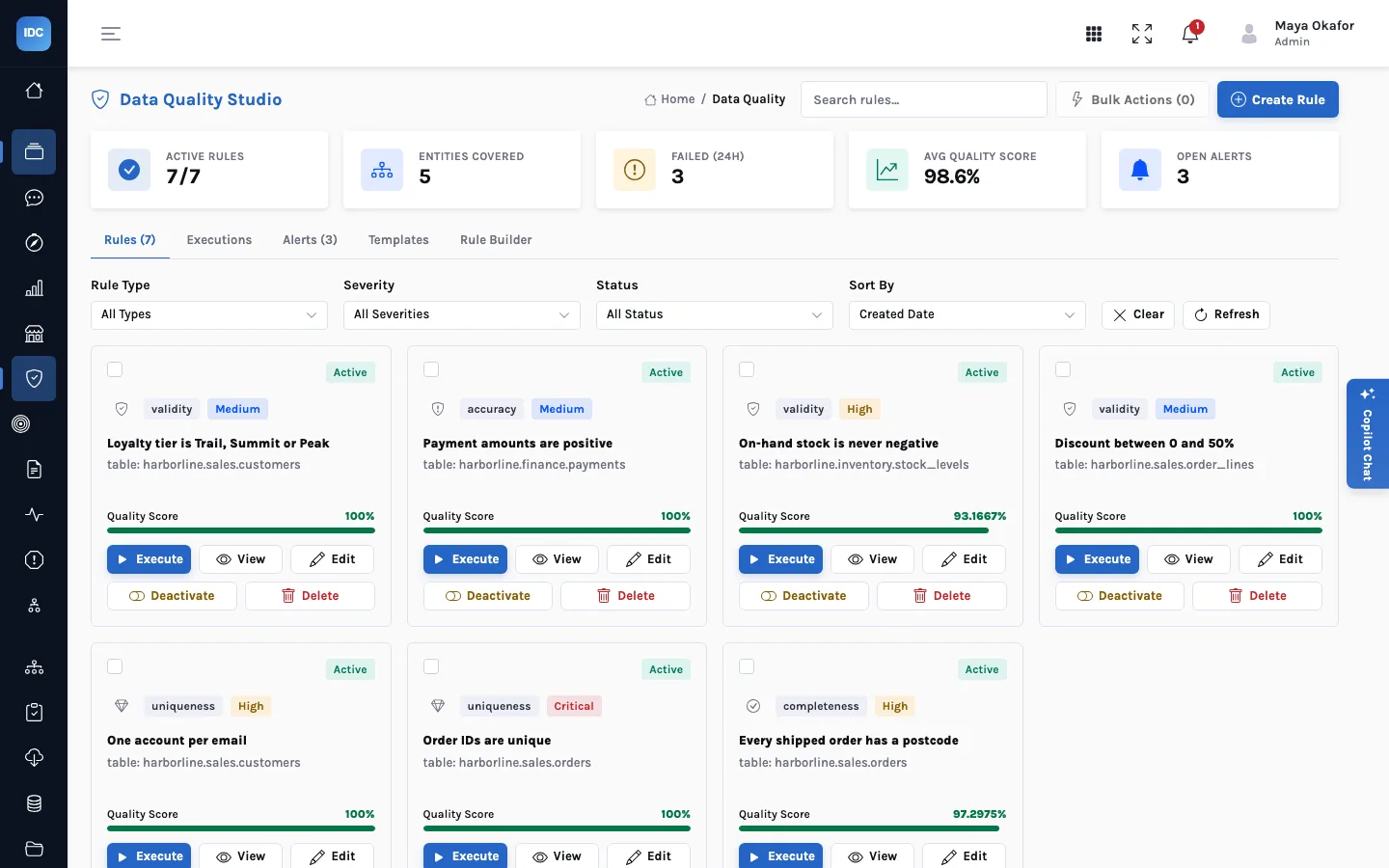
Rowan's team writes seven rules in an afternoon, all on tables the trading pack reads:
| Rule | Table | Definition | Threshold |
|---|---|---|---|
| Order IDs are unique | sales.orders | template: unique | 100% |
| Every shipped order has a postcode | sales.orders | template: not null | 99.5% |
| One account per email | sales.customers | template: unique | 100% |
| Loyalty tier is Trail, Summit or Peak | sales.customers | template: accepted values | 100% |
| Discount between 0 and 50% | sales.order_lines | template: range | 100% |
| On-hand stock is never negative | inventory.stock_levels | template: range (min 0) | 99% |
| Payment amounts are positive | finance.payments | custom SQL | 100% |
The first run passes five and fails two, which is the useful result: stock levels with negative on-hand quantities (82 rows of 1,200 in the made-up data) and orders with no shipping postcode (1,081 of 40,000). Neither is a rounding issue; both would have reached the pack.
Failures land with owners
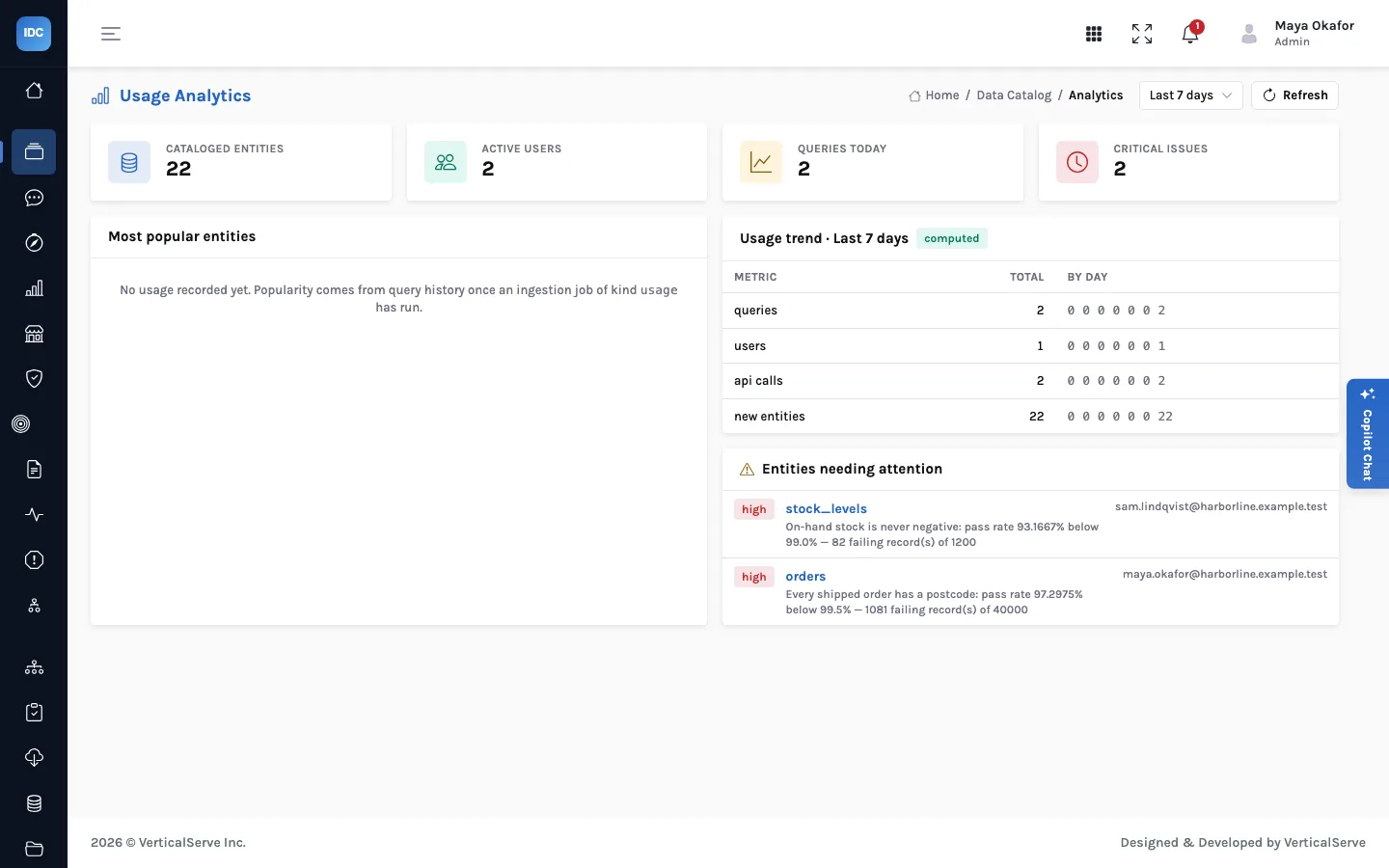
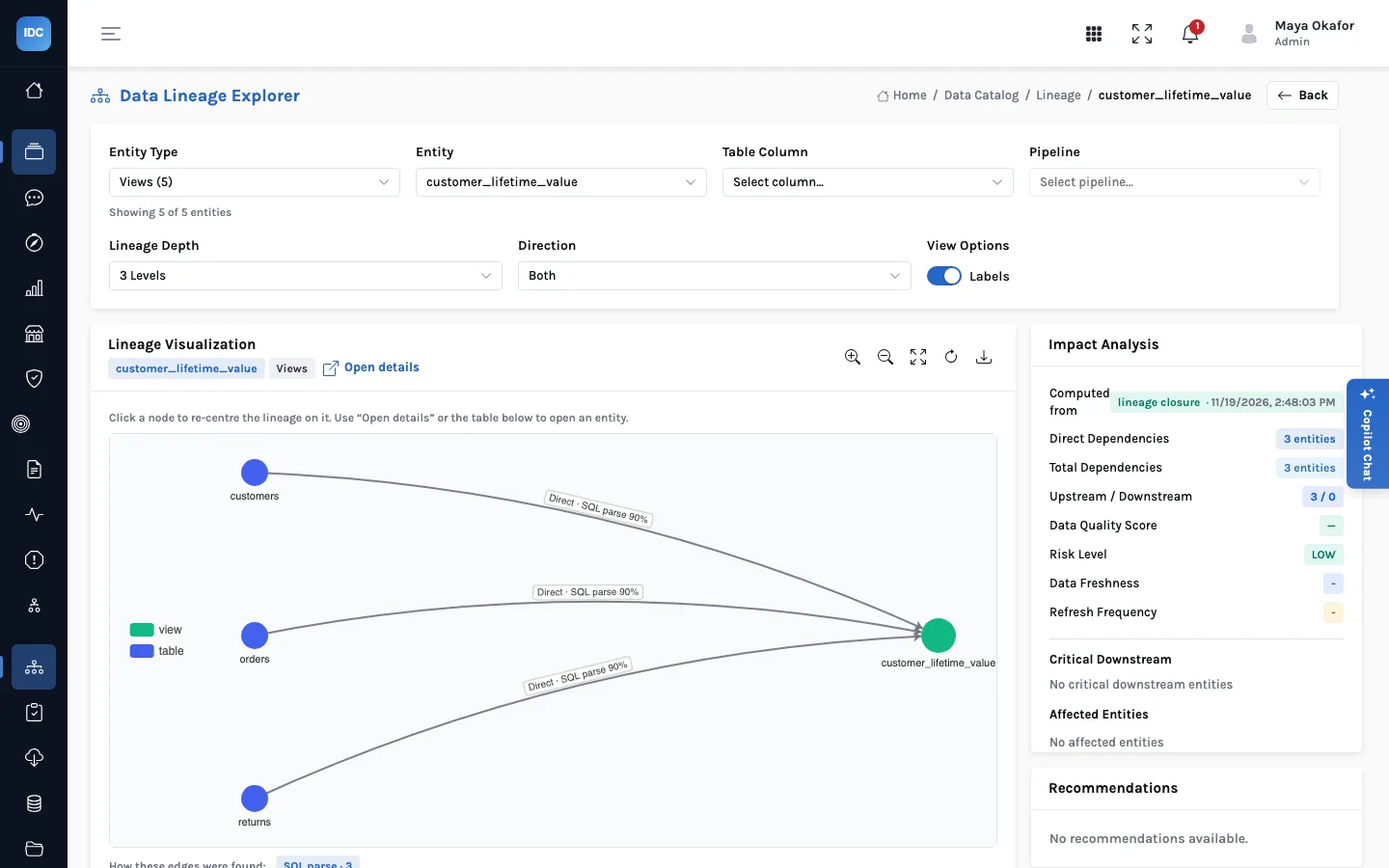
Because rules hang off catalog entities, a failure inherits everything the catalog knows: the table's owner and steward, its domain, its lineage. The Usage Analytics page lists entities needing attention with the failing rule, the pass rate against the threshold and the owner, and the studio's Alerts tab holds the open alerts. If the table is covered by a data contract, the linked rules count in the contract's evaluation too (see data contracts).
Two conversations, not two tickets
The stock rule goes to the inventory systems owner: negative on-hand is a known side effect of the returns process and needs a fix at source, so the threshold stays at 99% to keep it visible. The postcode rule goes to commerce: the nulls are click-and-collect orders that never needed one, so the rule is rewritten as custom SQL that excludes them. Both decisions are visible on the rules. An illustration on made-up data.
Questions analytics engineers ask
Can we keep our dbt tests?
Yes. The studio does not replace tests that run inside a transformation; it checks the tables people read, on a schedule, where the result is visible to the table's owners and consumers. Many teams keep both and point studio rules at the outputs.
Can we run a batch of rules after a load?
Rules can be executed, activated or deactivated in bulk, so a load's final step, or a person, can run all rules on a table at once.
How long does the history go back?
Every execution is kept with its status, counts, duration and who or what triggered it, and a rule's executions can be listed newest first.
Rules a team keeps
- Start from what broke. Each rule should name a past or plausible failure of a report people use.
- Prefer templates. They are quicker to read in review and the studio writes the dialect for you.
- Set thresholds deliberately. 100% for keys and money; slightly lower where a known, tolerated exception exists.
- Schedule after the load, not on the hour; a rule that runs before the data arrives only produces noise.
- Review monthly. Rewrite or retire any rule that has fired without anyone acting on it.
Next: use case: a glossary and critical data elements for a governance council.